A tiny manual for the Card Wall. Skim it, find one thing, leave. No videos, no signup, no popup tour ever again.
Quick start
- Pick a TCG from the Collection dropdown (top-left of the filter row).
- Choose EN or JP to swap catalogues and artwork. Each mode shows only prints published in that region.
- Narrow with Set, Card type, Rarity, Color, Alt art, or Flatten. They compose - turn on as many as you want.
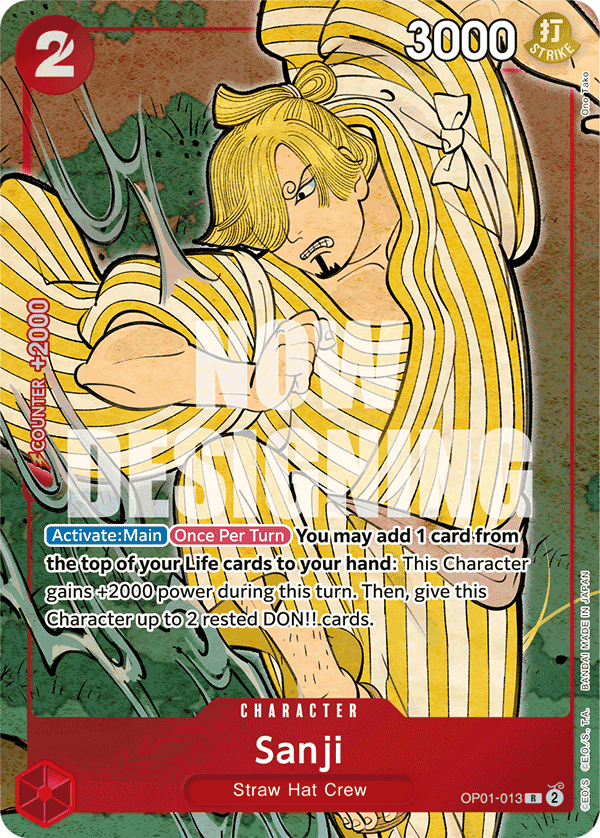
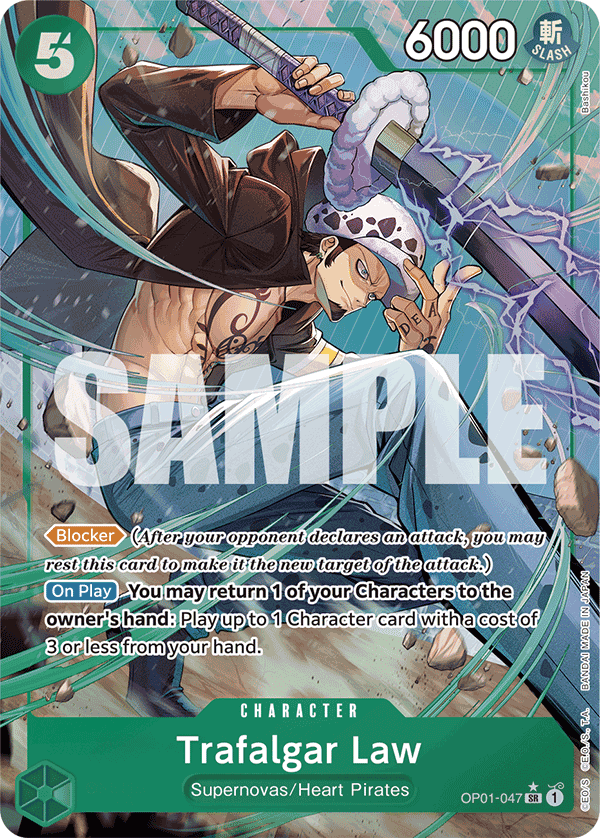
- Click any card to open the lightbox and flip through alt arts.
- Pin favourites with the bookmark, or queue them for the tier-list maker with the layers icon.
Filters
The second header row holds every narrowing control. Combine freely; removing a chip in the strip above the first card clears just that facet. Search alone auto-expands every set so hits aren’t buried under collapsed headers.
- Collection
- Switches between TCGs (One Piece, Pokémon, Digimon, …). Filters reset on switch so you don’t carry over irrelevant ones.
- Set
- Narrows to a single set. The set header in the wall shows release date and a tile count.
- Card type / Rarity / Color
- Every TCG has its own curated vocabulary - Pokémon shows energy types and modern rarity tiers; Digimon and Gundam show their native colour wheels; One Piece keeps Leader / Character / Event / Stage. Switching collection resets these so you don’t carry over irrelevant ones.
- Alt art
- Default: hide cards with no alt prints. With Flatten off, matching cards keep a stacked-tile hint on the wall. With Flatten on, the same toggle hides base prints and shows variant tiles only. Available for One Piece, Digimon, Dragon Ball, and Gundam (Pokémon ships parallels as separate cards, so no toggle there).
- Flatten
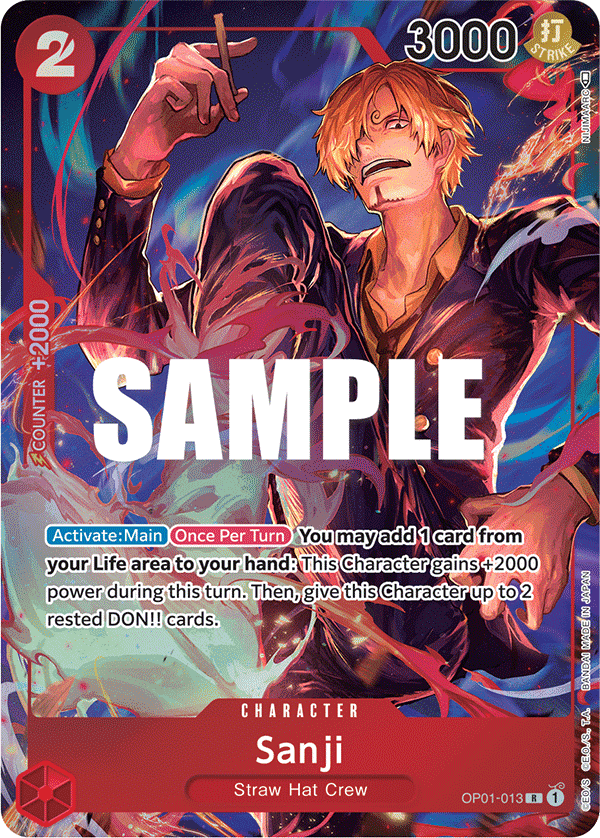
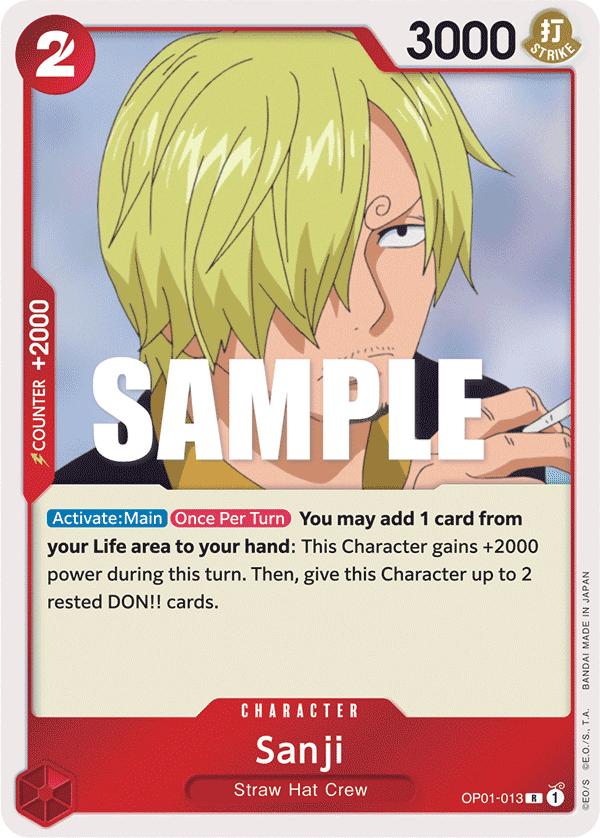
- Breaks every alt print out as its own wall tile instead of tucking variants inside the lightbox only. Combine with Alt art to browse promos and parallels as a mosaic. Each variant tile gets a small print label (e.g. p1).
- Language
- EN shows the English catalogue (Bandai EN + Asia-EN). JP shows the Japanese catalogue with the richest promo coverage. There is no separate CN/TC picker - Bandai’s TC/TW files are byte-identical to JP for almost every card, so a third option would have duplicated the same art.
- Search
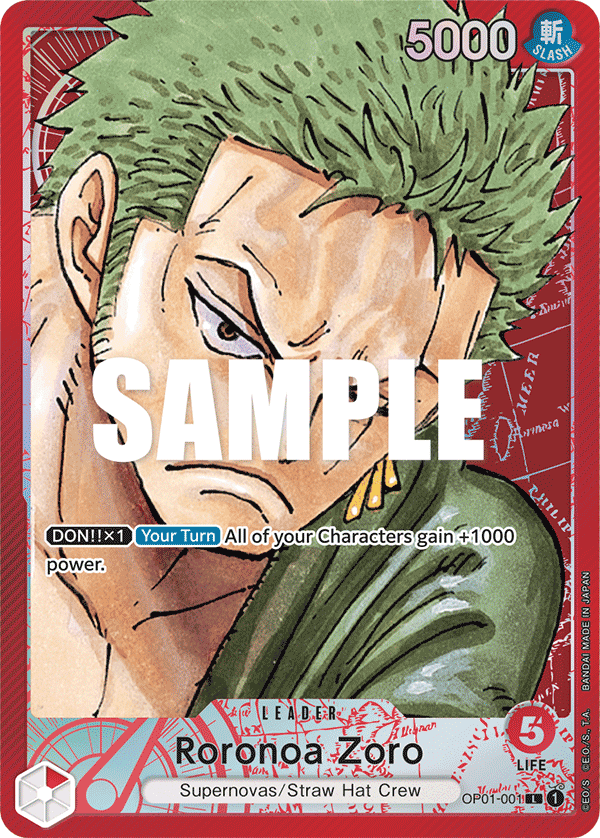
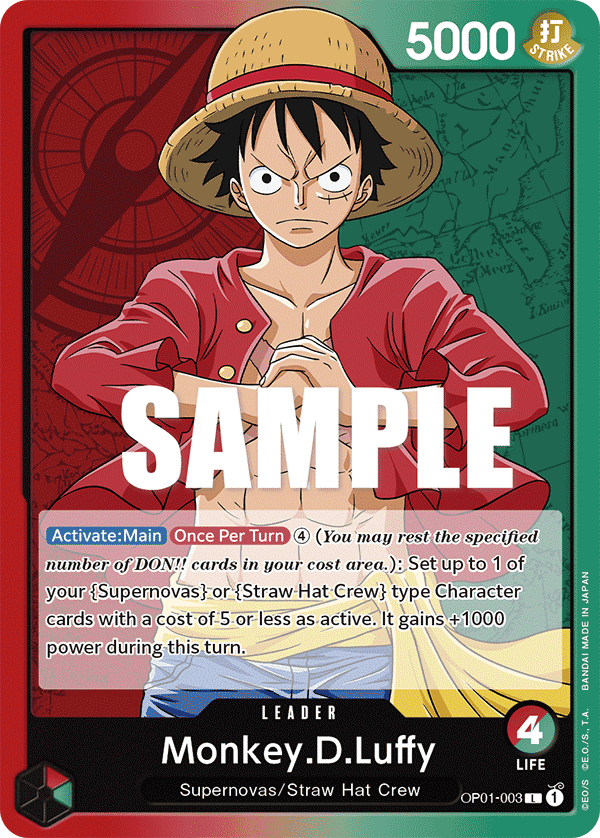
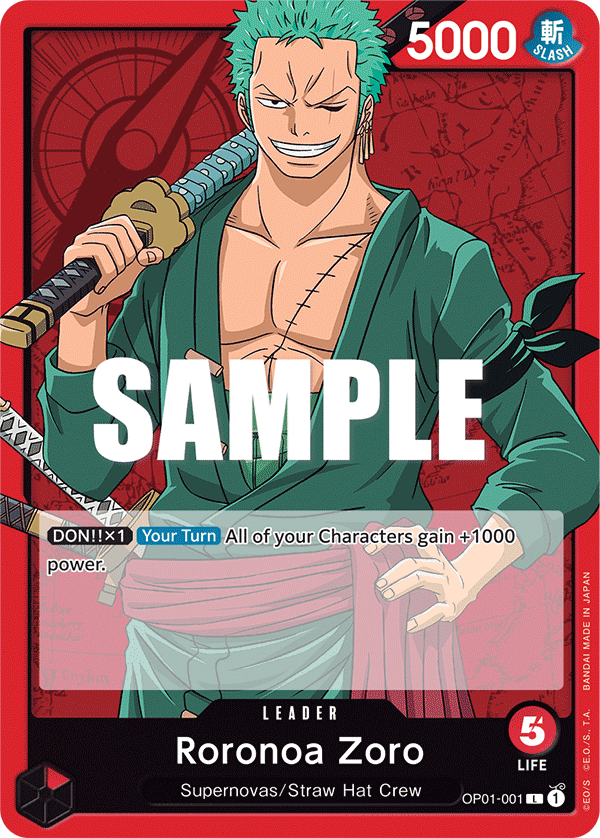
- Substring match on name, code, set name, card text (effect / trigger), types, attributes, and localized names. Try OP01-001, luffy, or when attacking.
The card wall
- The Zoom slider on the right of the filter row runs from ~2 cards per row (big) to a stamp-album mosaic at ~30 per row (tiny). Default sits around 6.
- Set headers collapse with the chevron beside the set code. The Collapse all link hides every set at once. Facet toggles (Alt art, Flatten, color, type) respect your collapse choices.
- In flattened mode the header counts prints (each alt tile) instead of unique cards.
- Active filters appear as removable chips above the first card. The chip strip is also where you find the Clear all shortcut.
Lightbox
- Click a card to open. The active print fills the center; every other variant fans out around it.
- ← / → steps through variants inside the card, or through wall tiles when Flatten is on. Esc closes.
- Each variant can be pinned or queued for the tier-list maker individually, so you can pin just the leader alt without its base art.
- Below the fan you’ll find the set name, the navigation arrows, and (for One Piece) the live pricing strip.
Pricing (One Piece)
One Piece cards in the lightbox carry a live two-cell pricing strip. It refreshes once a day from a free TCGPlayer market-data feed and the daily snapshot is appended to a per-card history so the trend chart fills in as time goes on.
- TCGPlayer market
- The active subtype (Foil / Normal / Holofoil) market price the way TCGPlayer publishes it, with NM listing count when available and a relative freshness stamp.
- Trend
- Sparkline of recent daily market snapshots for the same card. Each daily sync adds one point. Brand-new cards show "Builds with each daily sync" until enough days have accumulated.
- Phantom market
- When the listed market is far above any recent sale comp the headline price renders struck through with a small warning. Treat the number as aspirational, not actionable.
- Low-confidence match
- A small banner above the strip when we can’t cleanly pair the wall variant to a single TCGPlayer product (e.g. promos with multiple printings of the same card code). The price is still shown but treat it as a rough signal, not the truth.
- No graded matrix
- PSA / BGS / CGC / SGC pricing was removed. The third-party feed we relied on was too stale (often 30+ days behind on chase cards) and excluded PSA Vault auctions, which is where most modern PSA 10 sales now happen. Until we wire in an eBay sold-listings source directly, only raw market data is shown.
- Errata cards
- Cards with the Errata pill have two distinct printings (pre-errata and post-errata) that trade as separate markets. Listing data doesn’t cleanly separate them, so the price you see is a blended signal. Click the pill for details and always verify the printing before transacting.
Booster boxes
The Sealed link in the header opens a dedicated booster-box dashboard. Same daily TCGPlayer feed as singles, but rolled up at the box level with a per-box price history chart. New One Piece sets (and their booster boxes) are picked up automatically the first sync after Bandai publishes them, so the dashboard stays current without manual edits.
Pin board
The bookmark icon on any card (or any variant inside the lightbox) pins it to your Board. The board lives in a side panel that slides in from the right. Pins are per collection, so your One Piece pins don’t crowd your Pokémon board.
Tier list maker
The Tiers link in the header opens a full-page S/A/B/C ranker.
- Add cards from the gallery via the layers icon on each tile, or upload / paste images directly on the tier-list page.
- Drag images between tiers, drag tier rows by their grip handle to reorder, rename or recolour any tier.
- Give your chart a title at the top - it sits inside the chart frame so it travels with any screenshot you take.
- Everything runs locally. Nothing uploads.
Theme
The sun / moon toggle in the header flips dark and light mode. The choice persists per device.
Privacy
No accounts, no signup, no tracking. Pins, the tier-list queue, theme, zoom, language, and flatten preference all live in your browser’s local storage. Clearing site data clears all of it.
Feedback
Built by one person. Suggestions and DMs welcome - find me on X as @point_onefive.
Missing something? Go back to the wall and click around - odds are it’s right there.